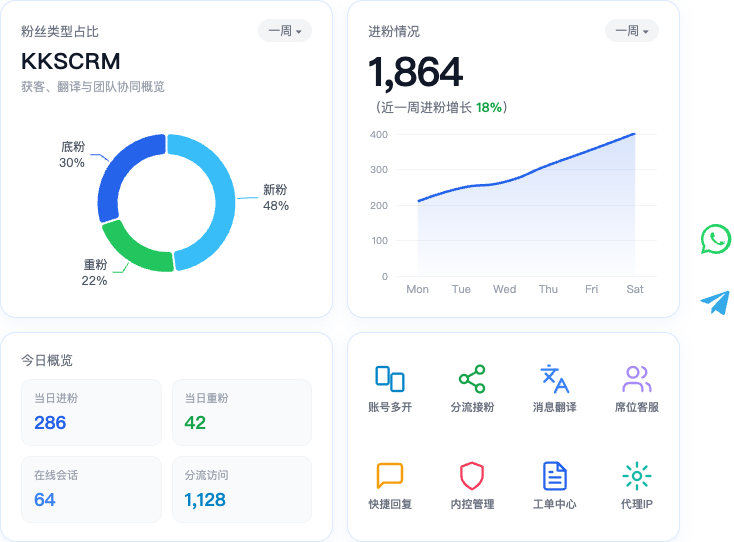
Proxy IP
Proxy IPs provide network egress for desktop sessions, reduce exposure of real IPs, and support seat assignment and concurrency control.
Core concepts
| Term | Description |
|---|---|
| Proxy group | Batch-manage multiple proxies |
| Shared proxy | When on, all seats can use it; when off, assign specific seat activation codes |
| Concurrency limit | Max concurrent occupancy per proxy (1–255) |
| Assigned proxy | After console assignment, desktop can select it |
Why use proxies
- Isolate egress for multi-account, multi-region operations
- Lower the risk of linking many marketing accounts to one egress
- Admins distribute available proxies centrally by seat permission
UI preview
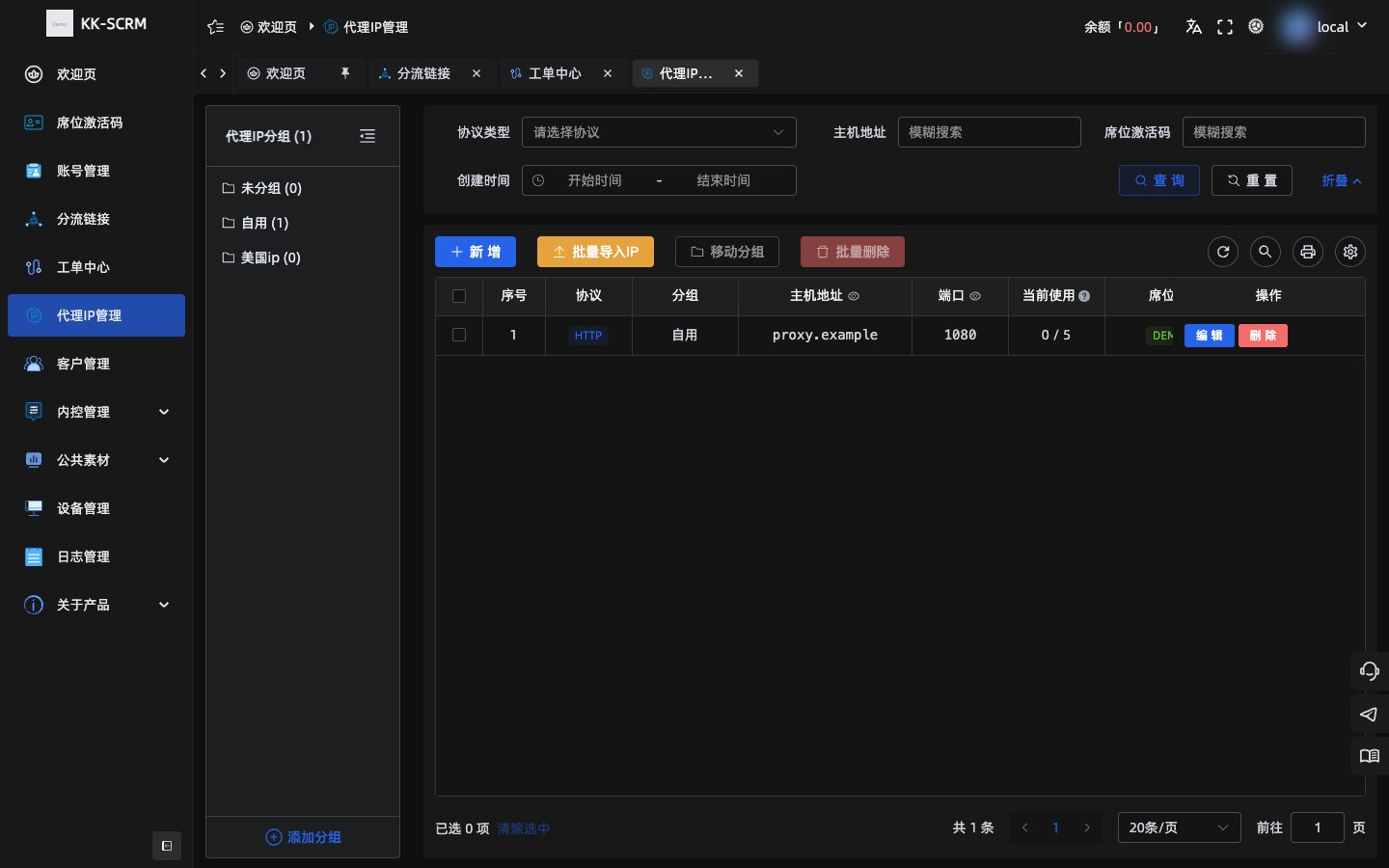
Console management
Entry: Proxy IP in the console.
Groups
- Create / rename / delete groups
WARNING
Deleting a group also deletes proxies inside it—confirm first.
Add or import
Single-row field examples (sample data only—do not put real production credentials in docs):
| Field | Example |
|---|---|
| Protocol | HTTP / HTTPS / Socks5 / Socks5h |
| Host | proxy.example |
| Port | 1080 |
| Username / password | demo-user / ******** |
| Concurrency limit | 3 |
| Notes | Demo route-APAC |
Supports batch import (csv / txt / xlsx), plus batch move groups, delete, assign seats, and clear busy counts.
Assign to seats
- Select proxies → assign to target seat activation codes.
- Or mark a proxy as shared for all seats.
Select on desktop
- Open proxy settings for the matching desktop session.
- Source options: Assigned proxy / System proxy / Custom.
- For Assigned proxy, pick one from the assigned list that has not hit its concurrency limit.
- Global “Proxy settings” apply to sessions without a per-session config.
mermaid
flowchart TD
  admin[Console import and assign] --> seat[Seat available proxy list]
  seat --> desktop[Desktop session picks proxy]
  desktop --> online[Session goes online]
TIP
If you see no available proxy, finish assignment in the console and check whether concurrency is full.
Troubleshooting checklist
| Symptom | Suggestion |
|---|---|
| Empty list | Import succeeded? Group deleted by mistake? |
| Desktop cannot select | Assigned to this activation code? Shared? Concurrency full? |
| Session cannot connect | Host/port correct? Protocol match? Network reachable? |