Sign up, sign in, and plans
KKSCRM consists of the Web console and the desktop client. Day-to-day management happens in the console; session reception happens on the desktop.
Sign up and sign in
- Open the console.
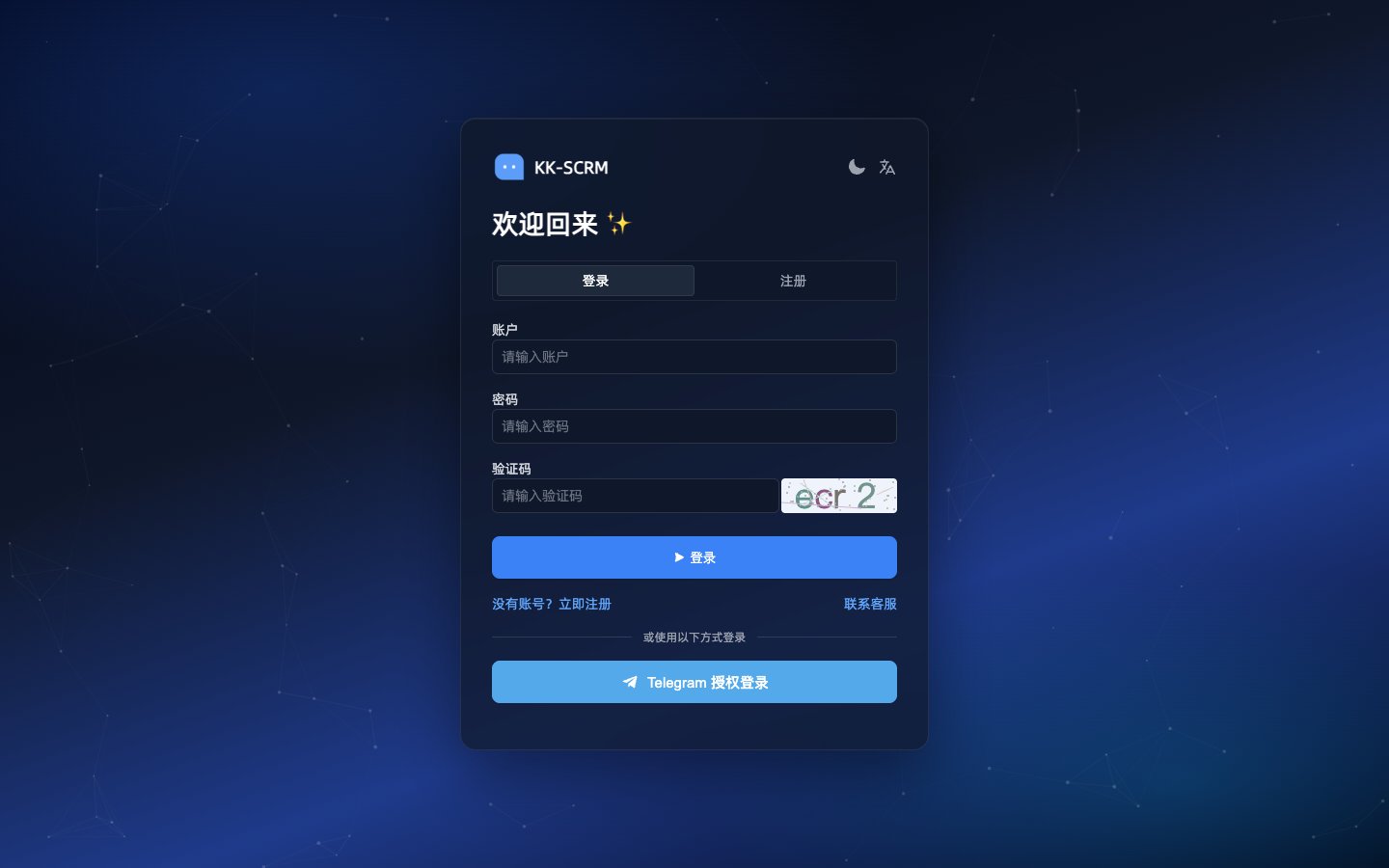
- New users choose sign up and complete account creation with email/username and password.
- Existing users sign in to reach the welcome page and business menus.
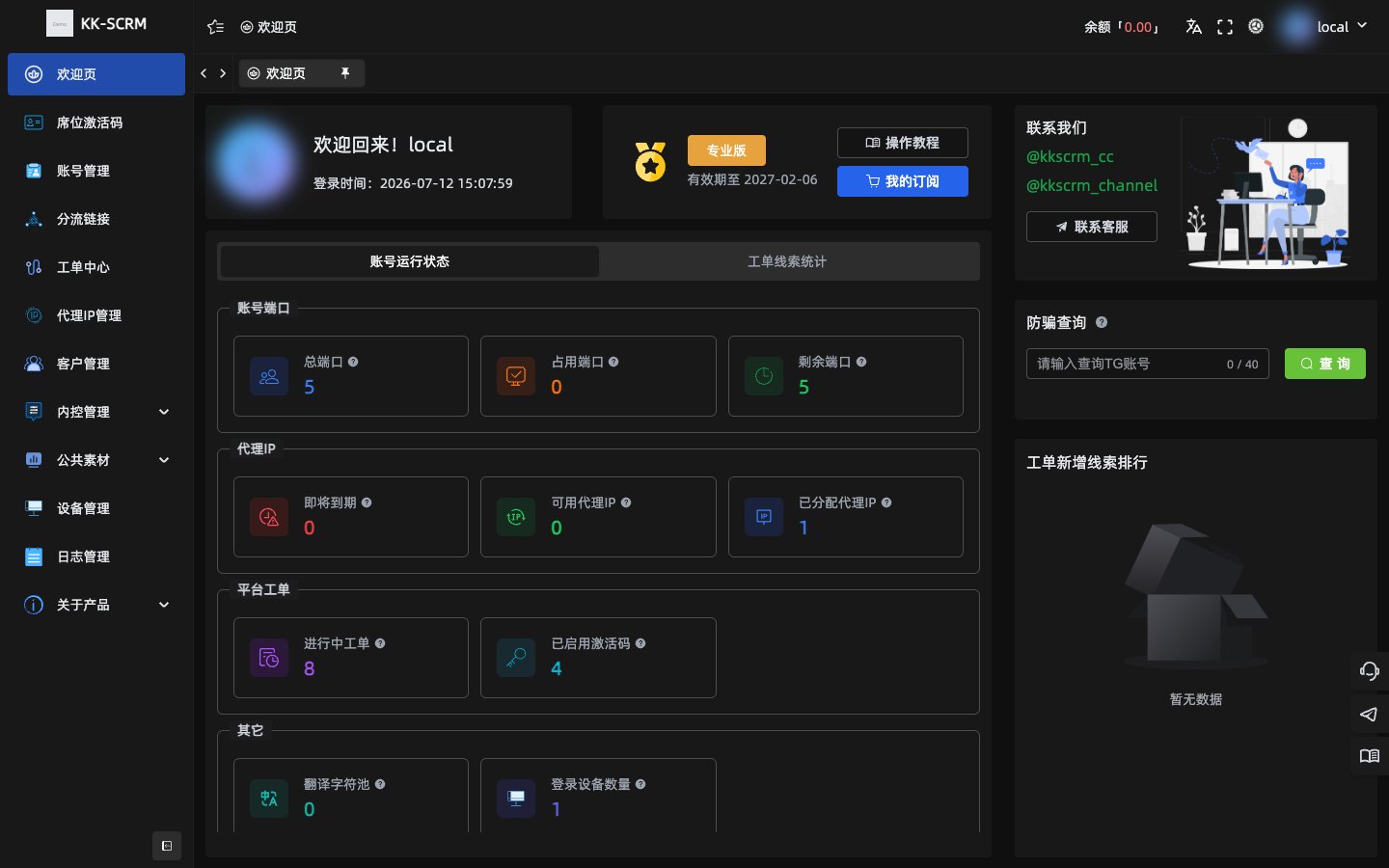
After signing in, the welcome page shows port, proxy, and ticket overview:
TIP
If you cannot sign in, first confirm your credentials and network, or contact official support.
Plans and trial
- After signing in, open Subscription plans.
- Start with the Free trial to try the core flow, then upgrade to Character / Standard / Professional as needed.
- Pricing and payment methods follow what the console shows.
| Plan | Best for |
|---|---|
| Free trial | Quick taste of sessions, translation quota, and basic modules |
| Character | Individuals billed by translation characters |
| Standard | Individuals and small teams; includes dispatch links, tickets, and more |
| Professional | Scaled teams; includes professional translation routes and internal control |
See Plans and quotas.