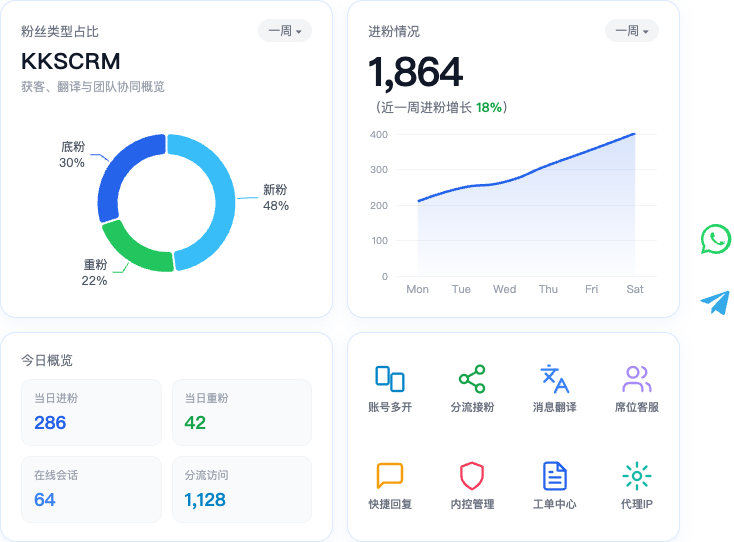
Marketing auto-reply
Configure scripts and rules in the console so the desktop client can send quickly or trigger automatically, shortening response time.
Modules at a glance
| Module | Purpose |
|---|---|
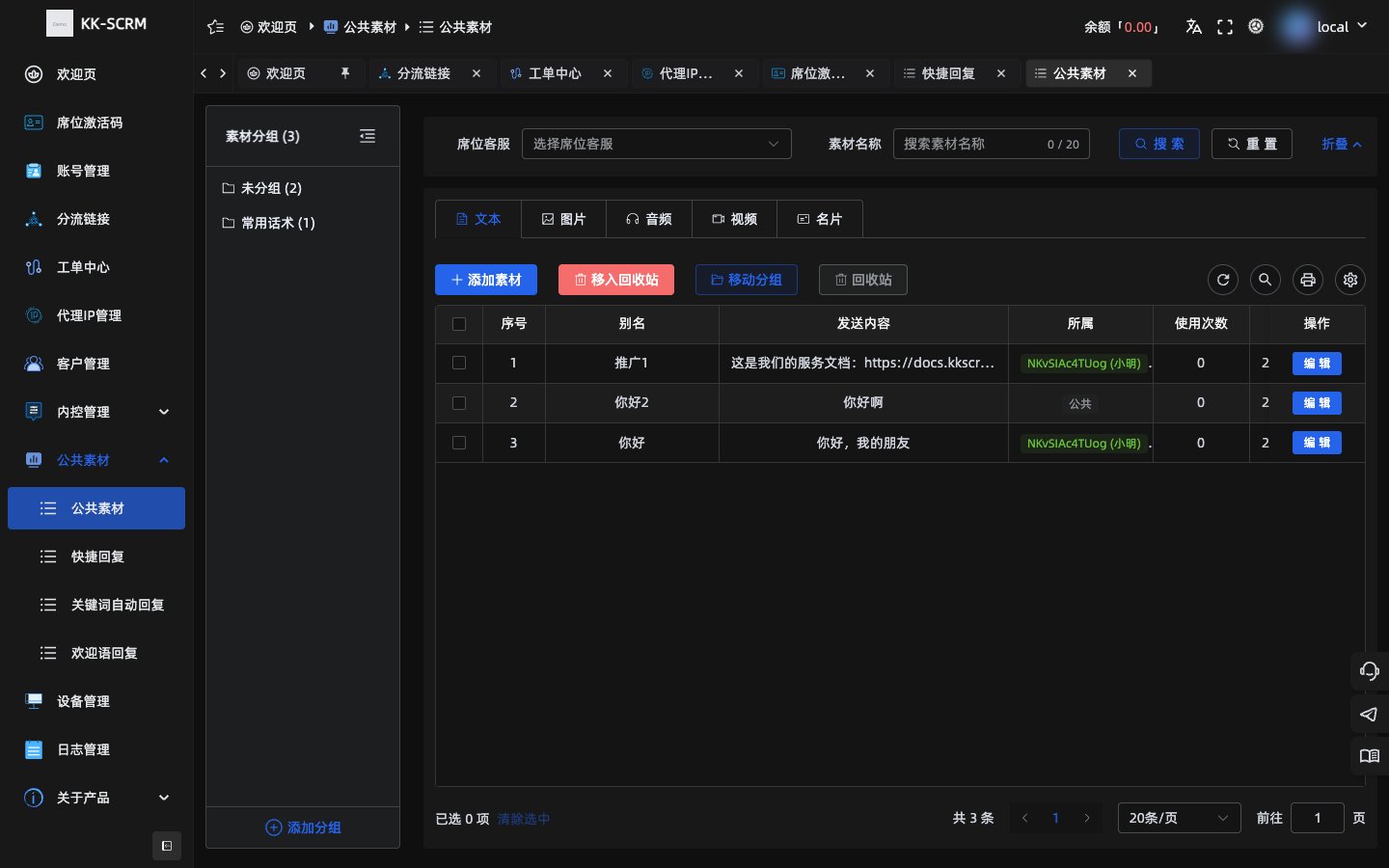
| Shared assets | Library of text / images / audio-video / contact cards |
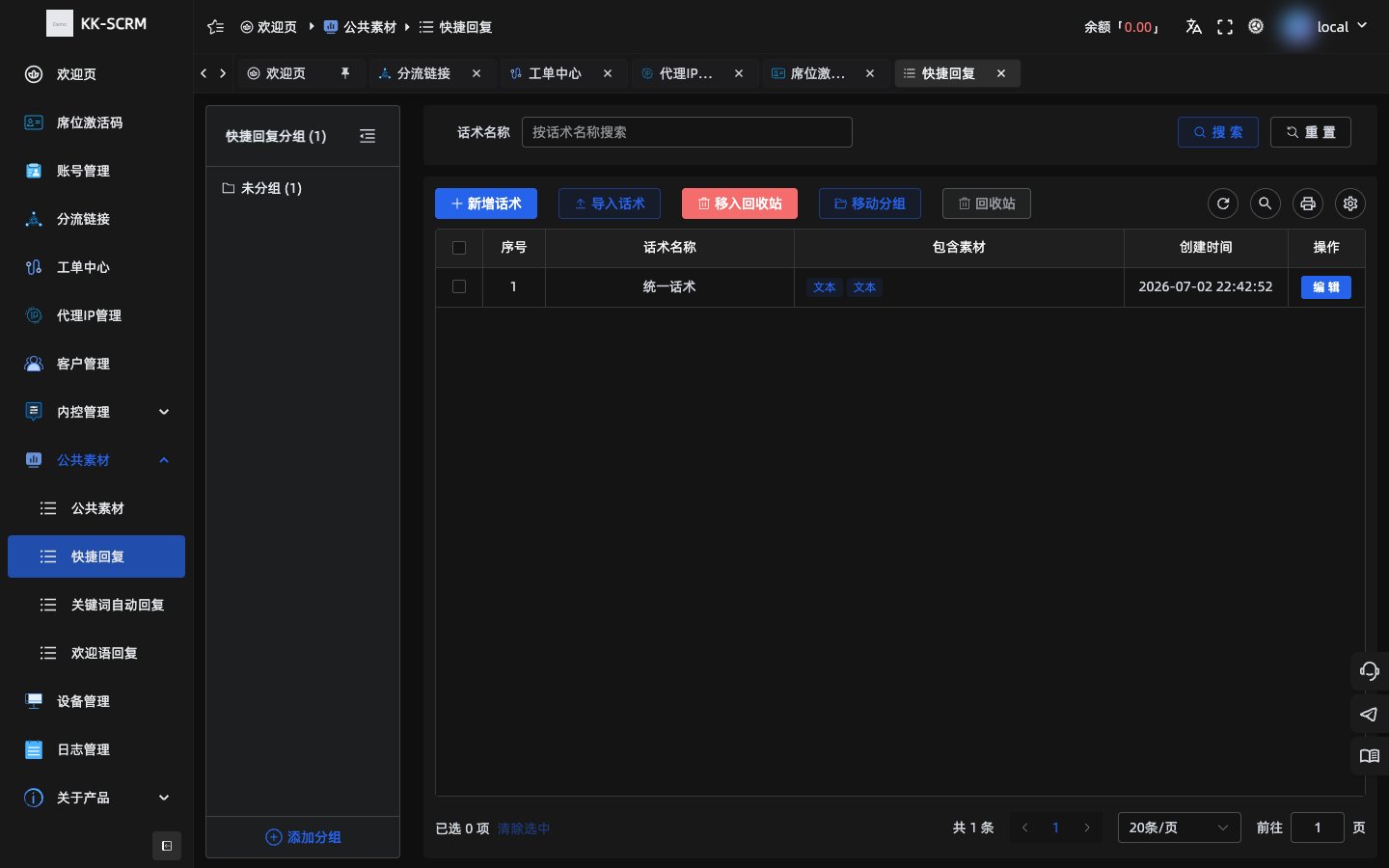
| Quick reply | Agents send common scripts in one click |
| Keyword auto-reply | Auto-reply when a customer message hits a keyword |
| Welcome message | Auto welcome on the first message of a new session |
Menus are usually under Operations.
Setup steps (general)
- Open the matching menu and create groups and content.
- Bind the seats/scope that should apply (follow page options).
- After saving, sign in to the matching seat on desktop to use or trigger them.
TIP
First put frequent Q&A into quick replies, then configure welcome messages for greetings, and finally add keyword auto-replies.